1. Sign in to the Supplier Portal

2. Go to the portal settings

3. Select "Manage Customers"

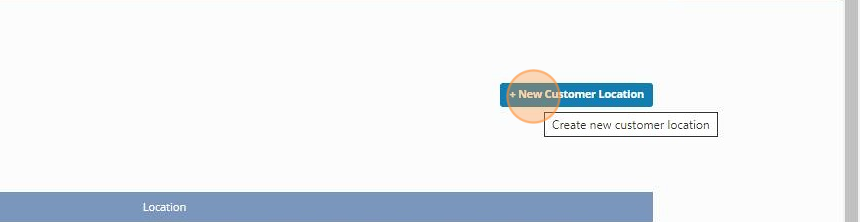
4. Click "+ New Customer Location"
5. Choose the profile for the desired Customer

6. Enter all Customer location information. Please note that the Customer Number is whatever you name/number you recognize that location as for that customer, this can be alphanumerical.

7. Click "Save"
